NOCO jump starters are portable lithium devices providing powerful starting assistance for vehicles․ Recent upgrades include USB-C charging, enhancing convenience and usability for all users․
What is a NOCO Jump Starter?
NOCO Jump Starters are compact, lithium-ion battery boosters designed to quickly and safely jump-start a dead vehicle battery․ Unlike traditional jump starters, NOCO units are lightweight and portable, offering up to 2000 amps of peak current․ They function as a portable power source, capable of charging USB devices․ These devices are a modern solution for automotive emergencies, offering convenience and reliability․
Benefits of Using a NOCO Jump Starter
NOCO Jump Starters offer numerous advantages over traditional methods․ They are incredibly portable and user-friendly, eliminating the need for another vehicle․ The lithium-ion technology ensures long-lasting power and minimal self-discharge․ Plus, newer models feature USB-C charging for faster power-ups․ Beyond jump-starting, they can charge phones and other devices, providing versatile emergency power․
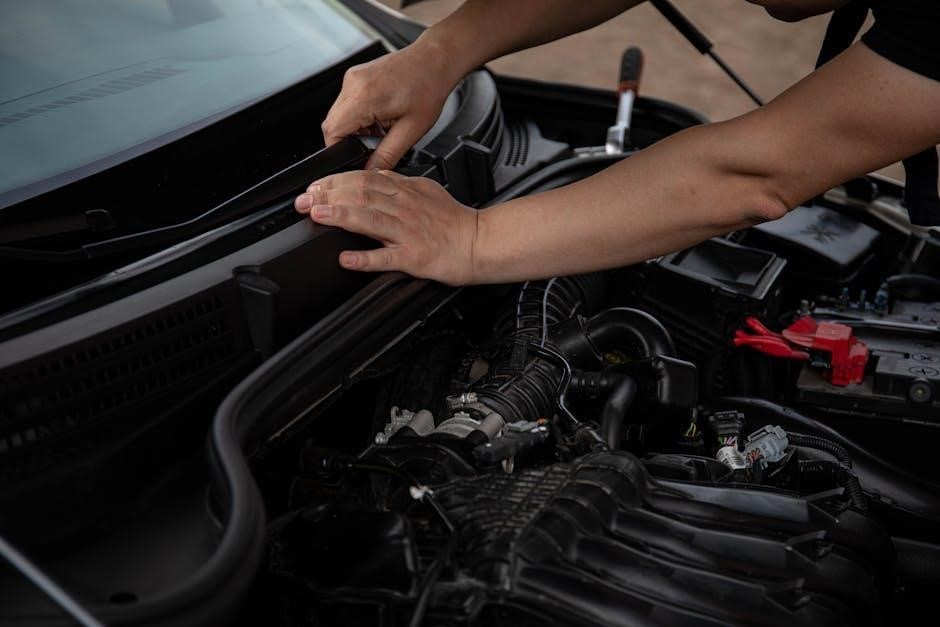
Understanding Your NOCO Jump Starter Model
NOCO offers various models like GB40, GB70, and GBX75, each with unique specifications․ Identifying your specific model is crucial for proper usage and accessing relevant instructions․
Identifying Your Specific NOCO Model (GB40, GB70, GBX75 etc․)
Determining your exact NOCO model – whether it’s a GB40, GB70, GBX75, or another variant – is the first step․ Locate the model number printed directly on the jump starter’s casing․ This information is vital for downloading the correct instruction manual and understanding its specific features․
Referencing the model number ensures you’re following the appropriate safety guidelines and utilizing all functionalities effectively;
Key Features and Specifications
NOCO jump starters boast lithium-ion technology, offering high peak amperage – ranging from 1000A (GB40) to 2000A (GB70) and beyond․ They include USB ports for charging devices, and newer models now feature USB-C charging capabilities․
Safety features like reverse polarity protection are standard․ Specifications vary by model, so consult your manual for detailed information on starting currents and battery capacity․
Safety Precautions
Always prioritize safety when using a NOCO jump starter․ Avoid contact with battery acid and ensure proper ventilation․ Handle lithium batteries with care․
General Safety Guidelines
Before jump starting, read all instructions carefully․ Wear appropriate eye protection to shield from potential sparks or acid splashes․ Ensure the vehicle is not in gear and the parking brake is engaged․ Avoid metal contact between the jump starter clamps and vehicle body․ Never attempt to jump start a damaged battery – inspect for cracks or leaks first․ Disconnect all loads before jump starting․
Precautions Regarding Lithium Batteries
Lithium batteries require careful handling․ Do not expose the jump starter to extreme temperatures or direct sunlight for extended periods․ Avoid dropping or puncturing the device, as this can damage the battery․ Never disassemble the unit․ Store in a cool, dry place․ Improper use can lead to fire or injury; follow all safety guidelines․
Charging Your NOCO Jump Starter
NOCO jump starters can be charged using the included wall charger or, in newer models, via USB-C․ Charging speeds vary; USB-C isn’t fast charging․
Using the Included Wall Charger
NOCO jump starters typically ship with a dedicated wall charger for optimal charging․ Connect the charger to a standard wall outlet and then to the jump starter’s charging port․ Ensure a secure connection for efficient power transfer․ Charging times will vary depending on the model and the initial battery level of the jump starter․
Monitor the indicator lights to track the charging progress, and disconnect once fully charged to preserve battery health․
USB-C Charging (Newer Models) ⸺ Charging Speed
Newer NOCO models feature USB-C charging for increased versatility․ While NOCO confirms it isn’t a fast charge, the USB-C port offers a convenient alternative to the included wall charger․ Expect a charging speed of 2․1A at 5V․
Using a USB-PD power source may work, but isn’t necessary, as the device doesn’t support the 20V profile․
Checking the Charge Level
NOCO jump starters utilize LED indicator lights to display the current charge level․ These lights illuminate in a sequence, showing the battery’s state of charge․ A full charge is indicated by all lights being solid green․
Refer to the “Understanding the Indicator Lights” section for a detailed breakdown of each light code and its corresponding battery percentage․
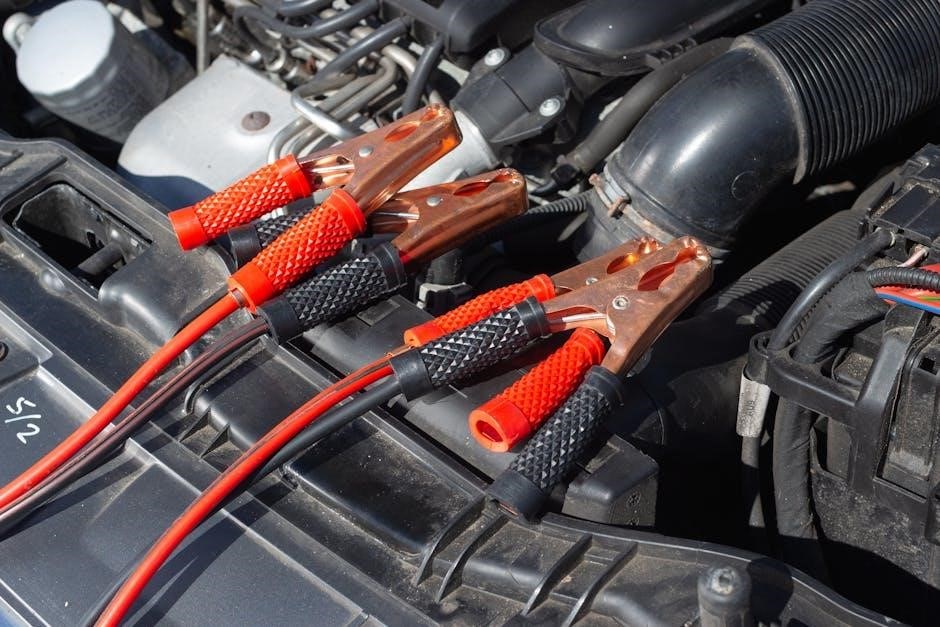
Jump Starting a Vehicle ⸺ Step-by-Step Instructions
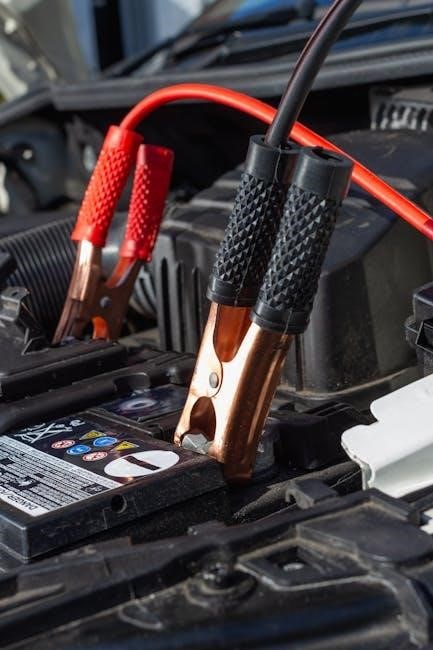
Begin by securely connecting the red clamp to the positive terminal and the black clamp to a grounded metal surface of the vehicle․
Connecting the Jump Starter to the Vehicle Battery
First, ensure the vehicle is off․ Attach the red (positive) clamp to the battery’s positive terminal, marked with a “+” symbol․ Then, connect the black (negative) clamp to a solid, unpainted metal part of the vehicle’s chassis – not the negative battery terminal․
This grounding prevents sparks near the battery․ Double-check the connections are secure before proceeding; loose clamps can hinder the jump-starting process and pose a safety risk․
Initiating the Jump Start Process
After securely connecting the clamps, return to the jump starter․ Power on the device and select the appropriate voltage setting for your vehicle (typically 12V)․ Press the “Start” button; the jump starter will deliver power to the vehicle․
Attempt to start the vehicle while maintaining pressure on the start button․ If it doesn’t start immediately, wait a few minutes between attempts to avoid overheating the jump starter․
Disconnecting the Jump Starter After a Successful Jump
Once the vehicle is running, disconnect the clamps in the reverse order of connection: first the negative (-) clamp from the vehicle, then the positive (+) clamp․ Power off the NOCO jump starter immediately after disconnecting․
Ensure the jump starter is stored safely, away from extreme temperatures and moisture․ Regularly check the charge level to maintain readiness for future use, guaranteeing reliable performance when needed․
Troubleshooting Common Issues
Common problems include the unit failing to power on, or a vehicle not starting despite a connection․ Slow charging can also occur; check connections and power sources․
Jump Starter Won’t Turn On
If your NOCO jump starter doesn’t power on, first ensure it has sufficient charge․ Connect the included wall charger or a USB-C power source and allow it to charge for a reasonable period․ Verify the charging cable is securely connected to both the jump starter and the power outlet․
Also, check for any visible damage to the unit or the power button․ If the issue persists, attempt a reset by disconnecting and reconnecting the charger․ A completely discharged battery may take longer to respond․
Vehicle Won’t Start Even with Jump Starter Connected
If the vehicle fails to start despite a connected and active NOCO jump starter, confirm the connections are secure and correctly positioned – red to positive, black to negative․ A poor connection is a common cause․
Additionally, ensure the vehicle’s battery isn’t severely damaged or sulfated, as the jump starter may not overcome such issues․ Allow sufficient cranking time (no more than 10 seconds) between attempts, and verify the vehicle’s starter motor is functioning․
Slow Charging Issues
Experiencing slow charging with your NOCO jump starter? Using a laptop charger, despite its USB connection, often results in minimal charging due to differing power delivery specifications․
NOCO states USB-C charging isn’t “fast charge,” so expect a longer fill-up time․ Utilize the included wall charger for optimal speed․ Ensure the USB-C cable and port are functioning correctly, and avoid using extension cords during the charging process․
Maintaining Your NOCO Jump Starter
Proper storage and routine inspection are crucial for longevity․ Keep the unit in a cool, dry place and regularly check for any physical damage or corrosion․
Storage Guidelines
To maximize the lifespan of your NOCO jump starter, store it in a cool, dry environment, away from direct sunlight and extreme temperatures․ Ideally, maintain a storage temperature between 32°F and 104°F (0°C and 40°C)․ Avoid storing the unit fully discharged or fully charged; a partial charge is optimal․ Regularly check the charge level during extended storage periods and recharge as needed to maintain battery health․
Cleaning and Inspection
Regularly inspect your NOCO jump starter for any signs of damage, such as cracked casing or frayed cables․ Clean the exterior with a slightly damp cloth; avoid harsh chemicals or abrasive cleaners․ Ensure the clamps are free from corrosion and debris․ Before each use, visually inspect all connections for secure contact and safe operation․

Understanding the Indicator Lights
NOCO jump starters utilize LED indicator lights to display charge level and system status, providing crucial information about the device’s operational readiness․
LED Indicator Light Codes
NOCO jump starters employ a color-coded LED system for diagnostics․ A solid green indicates a full charge and readiness․ Flashing green signifies charging is in progress․ A solid amber denotes a partial charge, while flashing amber signals a low charge requiring immediate attention․
Red lights indicate potential issues – a solid red suggests an error, and flashing red may indicate over-voltage, over-current, or short circuit protection has been activated․ Consult the manual for specific error codes․
Interpreting the Battery Level Indicators
NOCO jump starters utilize LED indicators to display remaining power․ Typically, three or more LEDs illuminate to represent a full charge, decreasing as power is consumed․ Fewer illuminated LEDs signify a diminishing charge level, prompting a recharge․
Pay close attention to when only one LED remains; this indicates a critically low charge, and the unit may not deliver sufficient power for a jump start․ Regular charging is crucial for optimal performance․
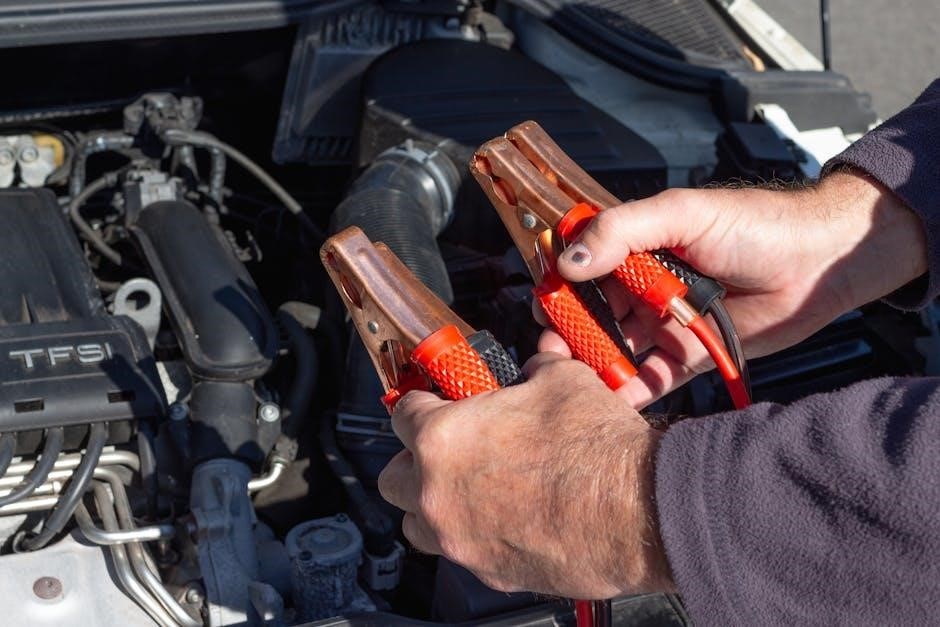
Using the USB Ports
NOCO jump starters feature USB ports for charging mobile devices․ Newer models incorporate USB-C, though charging speeds aren’t typically “fast charge” capable․
Charging Mobile Devices
NOCO jump starters offer convenient USB ports for charging smartphones, tablets, and other USB-powered devices․ While providing a useful backup power source, the output isn’t designed for rapid charging․ Expect a standard 2․1A (5V) output, suitable for typical mobile device charging needs․
However, it won’t efficiently charge laptops requiring USB-PD specifications․
USB Output Specifications
NOCO jump starters typically feature a USB output of 2․1A at 5V․ This provides a standard charging rate for mobile devices like smartphones and tablets․ Newer models with USB-C charging don’t support fast charging protocols like USB-PD․
Therefore, while functional, charging speeds will be slower compared to dedicated fast chargers․

NOCO Jump Starter Accessories
NOCO offers protective cases, like the GBC70_Case, and additional cables for enhanced portability and functionality․ These accessories ensure safe storage and versatile use․
Protective Cases (e․g․, GBC70_Case)
NOCO provides dedicated protective cases, such as the GBC70_Case, specifically designed for certain models like the GB70․ Constructed from durable EVA UltraSafe Lithium material, these cases safeguard your jump starter from physical damage during storage and transport․
They offer a secure fit, preventing movement and potential impacts․ Investing in a case extends the lifespan of your device and ensures it remains ready for emergency use, protecting your investment․
Additional Cables and Adapters
NOCO jump starters typically include essential cables for most vehicles, but additional adapters may be beneficial․ Depending on your specific vehicle or charging needs, consider exploring extended cables for easier reach or specialized adapters for unique battery terminal types․
These accessories enhance versatility and ensure a secure connection, maximizing the jump starter’s effectiveness․ Always verify compatibility before purchasing any additional cables or adapters․
Comparing NOCO Models: GB Series vs․ GBX Series
GB Series generally outperforms the GBX Series, according to user feedback․ Performance and feature sets differ, with the GB series being favored for reliability․
Performance Differences
NOCO’s GB series is often cited as delivering superior performance compared to the GBX series․ While both provide jump-starting capabilities, the GB line generally exhibits stronger starting amperage and more consistent power delivery․ Some users report the GBX series struggling with larger engines or colder temperatures, where the GB series excels․ This difference stems from internal component variations and design choices impacting overall efficiency․
Feature Comparison
Comparing the GB and GBX series, key differences emerge beyond performance․ Newer GB models, like the GB70, now incorporate USB-C charging for faster and more versatile power input․ Both series offer USB ports for device charging, but output specifications may vary․ Protective cases, such as the GBC70_Case, are available for enhanced portability and durability, primarily designed for the GB series․
Finding Replacement Chargers
Locating a replacement charger requires identifying the correct specifications for your NOCO model․ Chargers can be purchased from NOCO’s official website or through retailers like Amazon․
Identifying the Correct Replacement Charger
Determining the correct replacement charger involves checking your NOCO model’s specifications․ Older models utilize a specific wall charger, while newer GBX series incorporate USB-C charging․ Verify the voltage and amperage requirements – typically 5V/2․1A for older versions․
Confirm compatibility by referencing your device’s manual or NOCO’s support resources; Using an incorrect charger could lead to slow charging or damage the jump starter’s internal battery․
Where to Purchase Replacement Chargers
Replacement chargers can be purchased from several sources․ NOCO’s official website is a primary option, ensuring genuine parts․ Major online retailers like Amazon frequently stock NOCO chargers, offering convenience and competitive pricing․
Additionally, automotive parts stores may carry compatible chargers․ Always verify the charger’s specifications match your NOCO model before purchasing to guarantee proper functionality and avoid damage․

NOCO Genius Boost Models
NOCO’s Genius Boost line offers varied amperage options, like the GB40 (1000A)․ Other models cater to diverse vehicle needs, providing reliable jump-starting power․
GB40 Genius Boost Plus 1000A
The GB40 is a popular, compact model delivering 1000 peak amps, ideal for cars, trucks, and SUVs․ It features a lithium-ion battery, USB ports for device charging, and safety features like spark-proof technology․
This unit is known for its portability and ease of use․ Recent updates haven’t fully reflected USB-C charging on the official webpage, but it is confirmed to be available․ It’s a versatile solution for emergency jump starts․
Other Genius Boost Models
NOCO’s Genius Boost line extends beyond the GB40, offering options like the GB70 (2000A) and GBX75․ The GB70, recently updated with USB-C charging, is favored for its improved features․ The GBX series, however, has received mixed reviews compared to the original GB series․
Choosing the right model depends on vehicle size and starting needs․ All Genius Boost models prioritize safety and portability, providing reliable jump-starting power․
Warranty Information
NOCO provides warranty coverage on its jump starters, protecting against manufacturing defects․ Details on claiming warranty and specific terms are available on the official NOCO website․
NOCO Warranty Coverage
NOCO jump starters are typically covered by a limited warranty, often ranging from 1 to 3 years, depending on the specific model and purchase date․ This warranty protects against defects in materials and workmanship under normal use․
The warranty does not cover damage resulting from misuse, accidents, modifications, or unauthorized repairs․ Proof of purchase is essential for any warranty claim․ Registration of the product may also be required to activate full coverage․
How to Claim Warranty
To initiate a warranty claim, contact NOCO customer support through their official website․ You’ll likely need to provide your proof of purchase, a detailed description of the issue, and potentially photos or videos demonstrating the defect․
NOCO will then issue instructions, which may involve returning the unit for inspection․ Shipping costs for warranty claims may be covered by NOCO, depending on the circumstances and their policy․

Resources and Support
NOCO’s official website offers extensive support, including manuals and FAQs․ Online communities and forums provide additional assistance and troubleshooting tips from fellow users․
NOCO Official Website
NOCO’s official website (jumpstarter․com) is the primary resource for product information, detailed manuals, and troubleshooting guides for all their jump starter models․ Users can find specific instructions for their GB40, GB70, or GBX75 units․
The site also features a comprehensive FAQ section addressing common issues and provides contact information for direct customer support․ Downloading the latest manuals and software updates is readily available, ensuring optimal performance and safety․
Online Communities and Forums
Numerous online communities and forums offer valuable insights and user experiences with NOCO jump starters․ Platforms like Reddit and dedicated electronics forums host discussions on troubleshooting, accessory recommendations, and best practices․
These communities provide a space to ask questions, share solutions, and connect with other NOCO users․ Finding answers to specific issues or learning about optimal charging methods is often easier through peer-to-peer support․